

Smart & wireless control systems for camper vans
Wireless, brand‑agnostic camper‑van control system that replaces dashboards, apps, and tangled wiring with one intuitive dial
Partners working with Camper Jarvis


Based in Switzerland? Buying, installation and support run through our partner Vanatics. Learn more
No more five control panels on the wall
Battery, heater, air conditioning, water and lights usually each bring their own display, app or switches. Camper Jarvis turns them into one control system for your whole motorhome, whatever the brand. A smart home for your camper, without new cables across the vehicle.

In most campers today
- A separate panel for every device
- Apps that don’t talk to each other
- Data cables running across the vehicle
- Only one person knows how it all works
With Camper Jarvis
- One dial for everything you need day to day
- Every brand in one interface
- Modules talk wirelessly instead of cables
- So simple that partners, kids and renters get it right away
Meet the Camper Jarvis Ecosystem
-

 On request
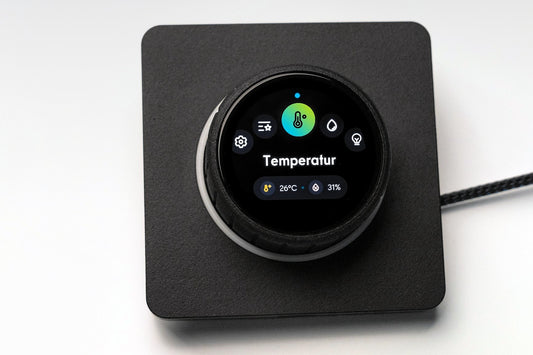
Camper Jarvis SmartKnob
Regular price $685.00 USDRegular price -

 On request
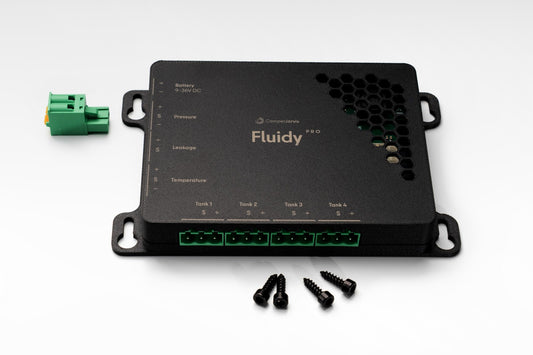
Fluidy Water Insight Module
Regular price From $365.00 USDRegular price -

 On request
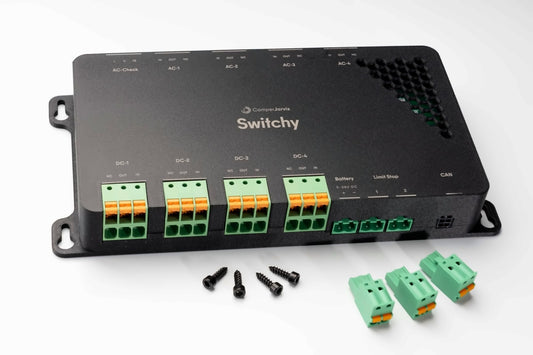
Switchy Smart Relay Hub
Regular price $434.00 USDRegular price -

 On request
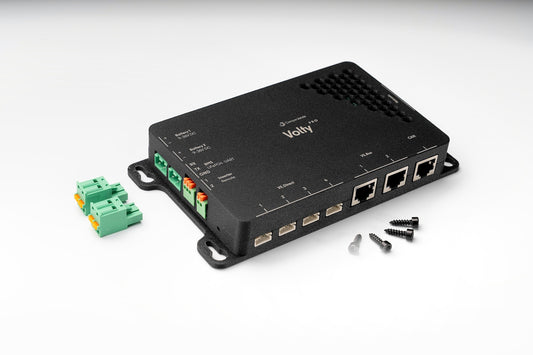
Volty Power Gateway
Regular price From $365.00 USDRegular price -

 On request
Thermy Climate & Fridge Module
Regular price $205.00 USDRegular price -

 On request
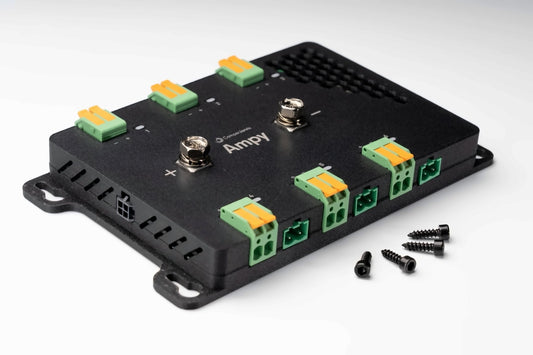
Ampy Energy Insight Module
Regular price $491.00 USDRegular price -

 On request
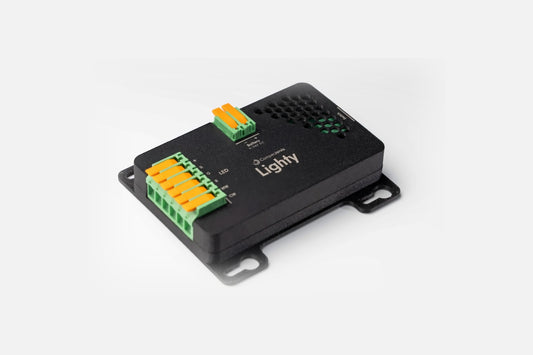
Lighty Smart Lighting Controller
Regular price $171.00 USDRegular price -

 On request
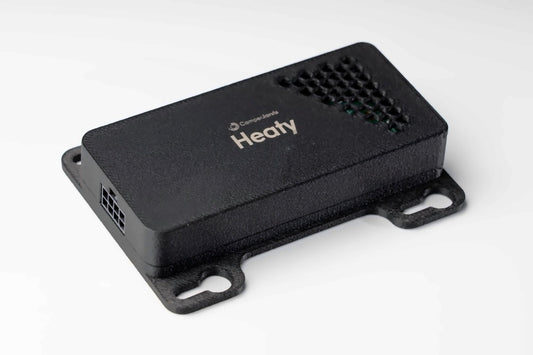
Heaty Heater Control Module
Regular price $205.00 USDRegular price


From real builds

Really cool, works right away, water pump switched with a matching Berker switch at the sink, so no wet fingers on the SmartKnob.
StefanSelf-build in a Citroën JumperTranslated from German The Knob is online. Intuitive setup, top! Really nice product! I'm so pleased!!!
DirkCamper vanTranslated from German Thanks again for the detailed reply. That is absolutely not something you can take for granted.
SebastianSelf-build camperTranslated from German Once again I'm really happy about your thorough feedback. In the camper conversion business you are truly an exception!
MarcoSprinter 4x4Translated from German

Packages
Where do you start?
Every package starts with the SmartKnob as the hub. Add modules any time, no rewiring needed.
-
Heat at the knob
For everyone who mainly wants to wake up warm.
- SmartKnob
- Heaty for your parking heater
Heating with a turn of the knob, by schedule or in the dashboard.
Request package - Our pick
Off-grid ready
Power and water always in view, our pick to start with.
- SmartKnob
- Volty Pro for battery, solar and chargers
- Fluidy Pro for fresh and grey water
See at a glance how long power and water will last.
Request package -
Everything in hand
The whole vehicle on one knob.
- SmartKnob
- Volty Pro
- Fluidy Pro
- Ampy for loads and protection
- Lighty for your lights
- Heaty for the parking heater
Energy, water, heat and light in one system, with automations.
Request package


Something else installed? Every module is also available on its own. Tell us what you have and we will put it together for you.
Control everything. With one turn.
Lights, water, heating, air conditioning and energy are just one turn away in the SmartKnob main menu. A small motor creates every detent, so each step feels like a high-quality mechanical switch. Try it right here.
- Four gestures, nothing else
- Turn to select, press to confirm, double-click to go back. Long-press opens your scenes and, inside submenus, takes you straight to dimming or colour selection.
- Usable without looking
- Voice output announces menus and values. At night in a dark van as well as with your hands full in the kitchen.
- Only the essentials
- Lights, heating, water and battery are one turn away. Setup and details live in the dashboard.
- States at a glance
- 66 LEDs in the ring show status and warnings, the AMOLED display stays clear and calm.
This is the real main menu. Try it: turn the dial with your mouse, finger or arrow keys. On many Android phones you even feel each detent as a short vibration. On the real SmartKnob it is far more refined.
-

Install in hours, not weeks
Wireless data connections, no tangled cables, maximum flexibility. Whether you are a DIY builder or a professional, the complete kit is installed in no time.
-

Future-proof & meets all relevant EU standards
Our modules are developed to EU standards and tested in accredited laboratories
-

Scales with your build
Start with SmartKnob, then snap in Volty, Fluidy, or Switchy without rewiring
-

Flexible compatibility
One SmartKnob interface for multiple brands. Perfect for vans with mixed tech, showing power, water, heating, A/C, temperature, and more in one place.


Works with leading brands
Logos and brand names are shown only to identify third-party products that our system can interface with. Camper Jarvis is not affiliated with, sponsored by, or endorsed by these companies. Trademarks & logos belong to their owners.



You’re here for the wilderness, not the wires
Enjoy sunrise coffee, starry nights and every mile in between, while Camper Jarvis™ takes care of power, water, light, climate and heating in the background.
One turn of the SmartKnob and you are back to the adventure instead of getting lost in settings.
Ready in four steps
-
SmartKnob first
Fit it to the wall and connect it to the house battery via the inline fuse, 12V or 24V.
-
Set up
Choose your language, scan the QR code and the dashboard opens on your phone. No app, no account, no internet.
-
Pair the modules
Start pairing mode, then power the module. It is connected after 10 to 20 seconds.
-
Add widgets
In the dashboard choose function, module and port, then name it. The widget appears on the SmartKnob right away.
Built for Life on the Road
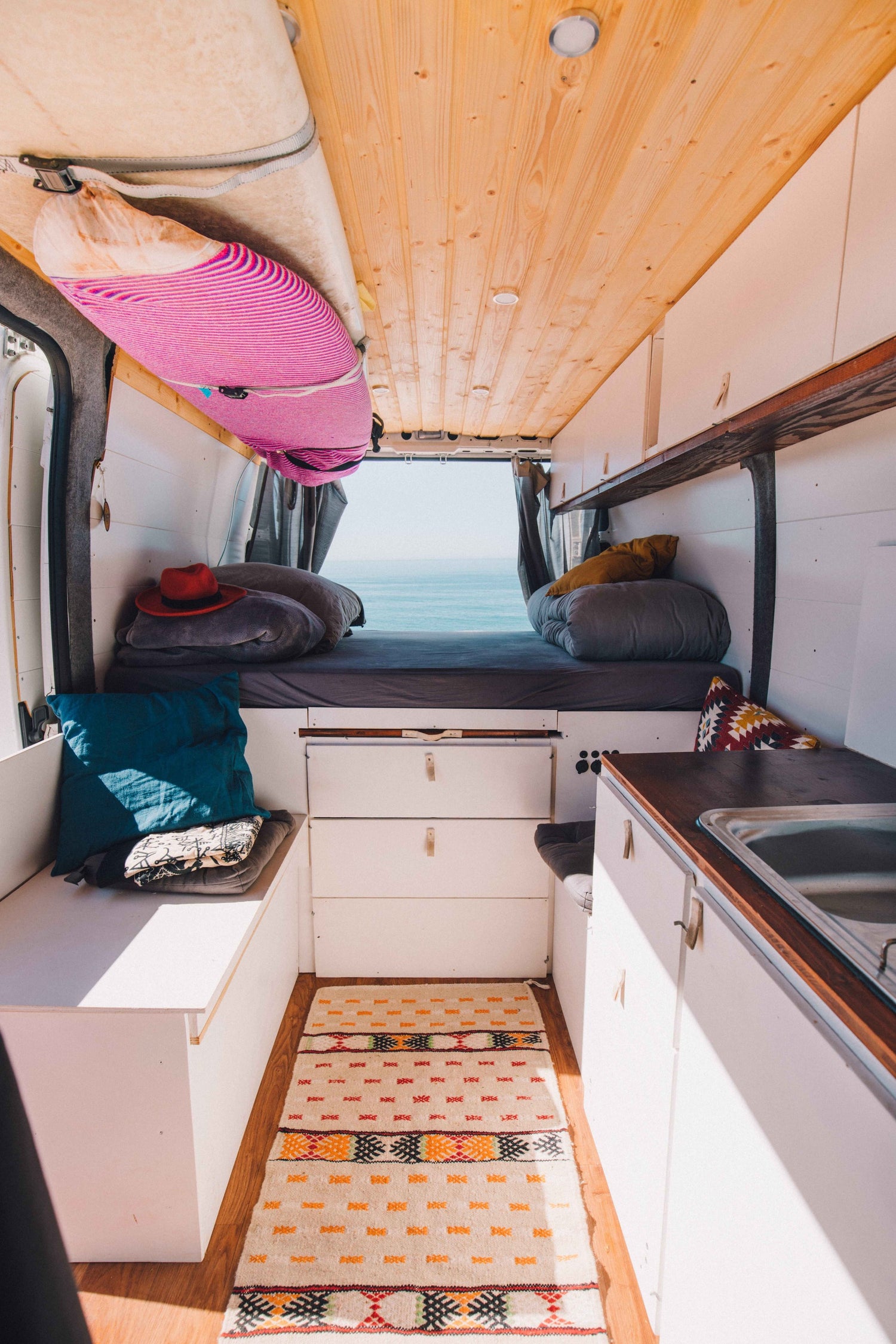
Saves your battery: The SmartKnob uses extremely little power, so you stay off-grid for longer.
Reliable and intuitive: The SmartKnob can always be operated precisely by turning and pressing. Whether it is cold, wet or dusty outside, you stay in full control at all times, without the frustration of unresponsive touch displays.
Online or offline, your choice: All functions also run without cloud and without mobile network, ideal for remote spots. If you have Wi-Fi on board, simply connect the SmartKnob to it.
Rental-ready: A single rotary knob replaces pages of handover instructions that nobody wants to read and that are rarely up to date. More for rental companies
More questions? You will find all answers and guides in our knowledge centre.
Go to the knowledge centre


